
Finish the job. Open the app. Fusion44 handles the record.
Eight steps take you from your existing Google Business Profile to a growing, structured record of completed work, reviews and local visibility signals.
Connect your Google Business Profile
Fusion44 starts by looking at your existing Google Business Profile, so everything you publish stays consistent with it.
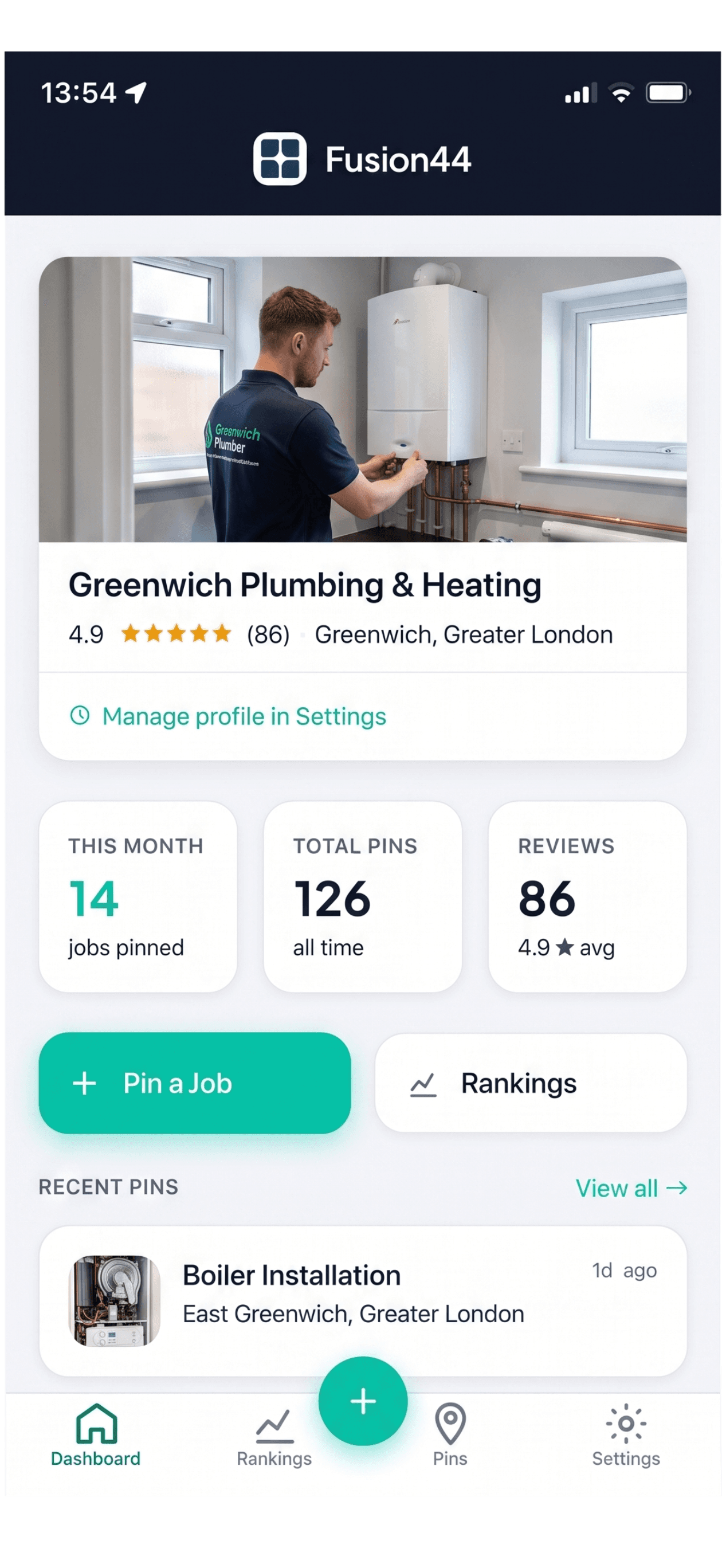
Activate your free Review Card
Turn on your Review Card inside the app so it's ready for your first completed job.

Record a completed job
As soon as a job is finished, open Fusion44 and start a new record while the details are still fresh.
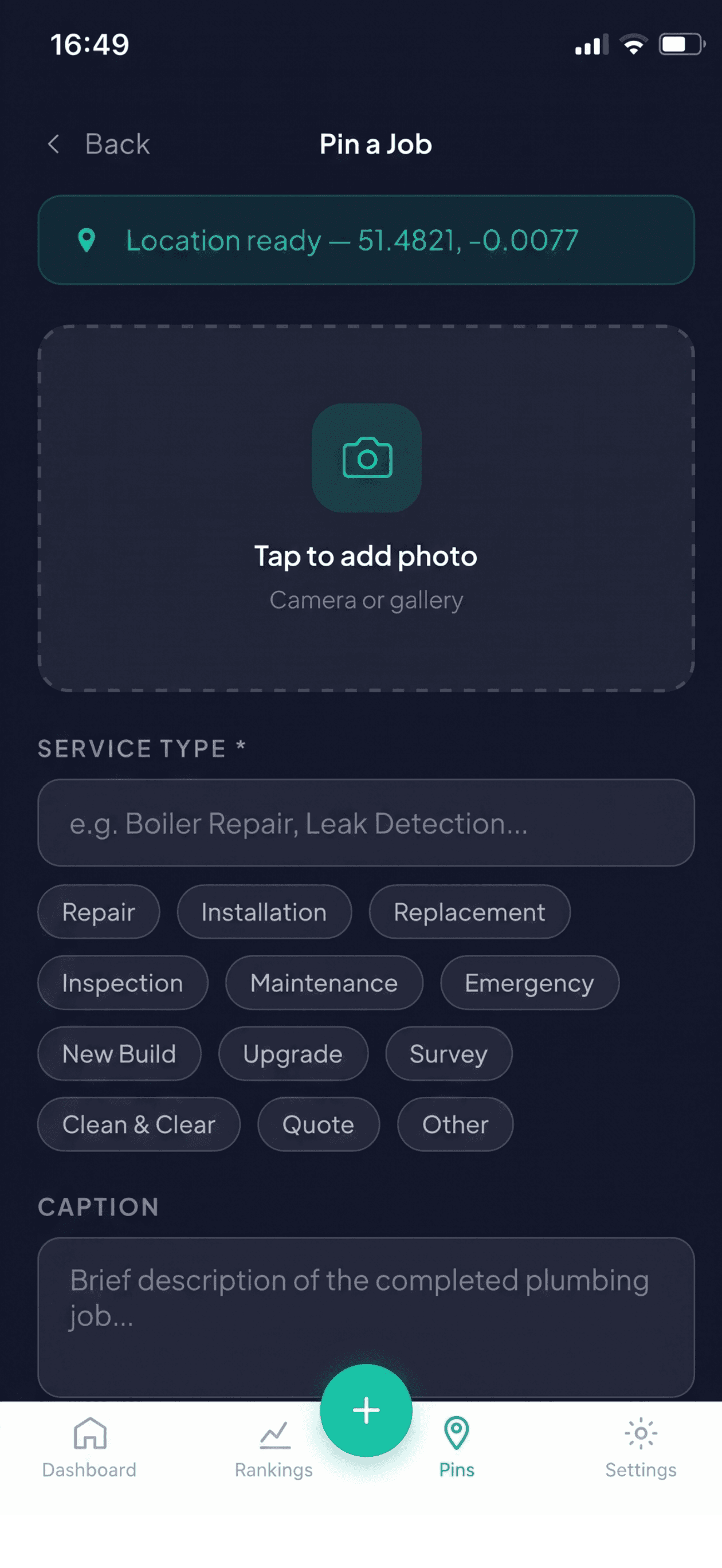
Add the photo, service and location
A photo of the finished work, the service you provided, and the location — that’s the full record.
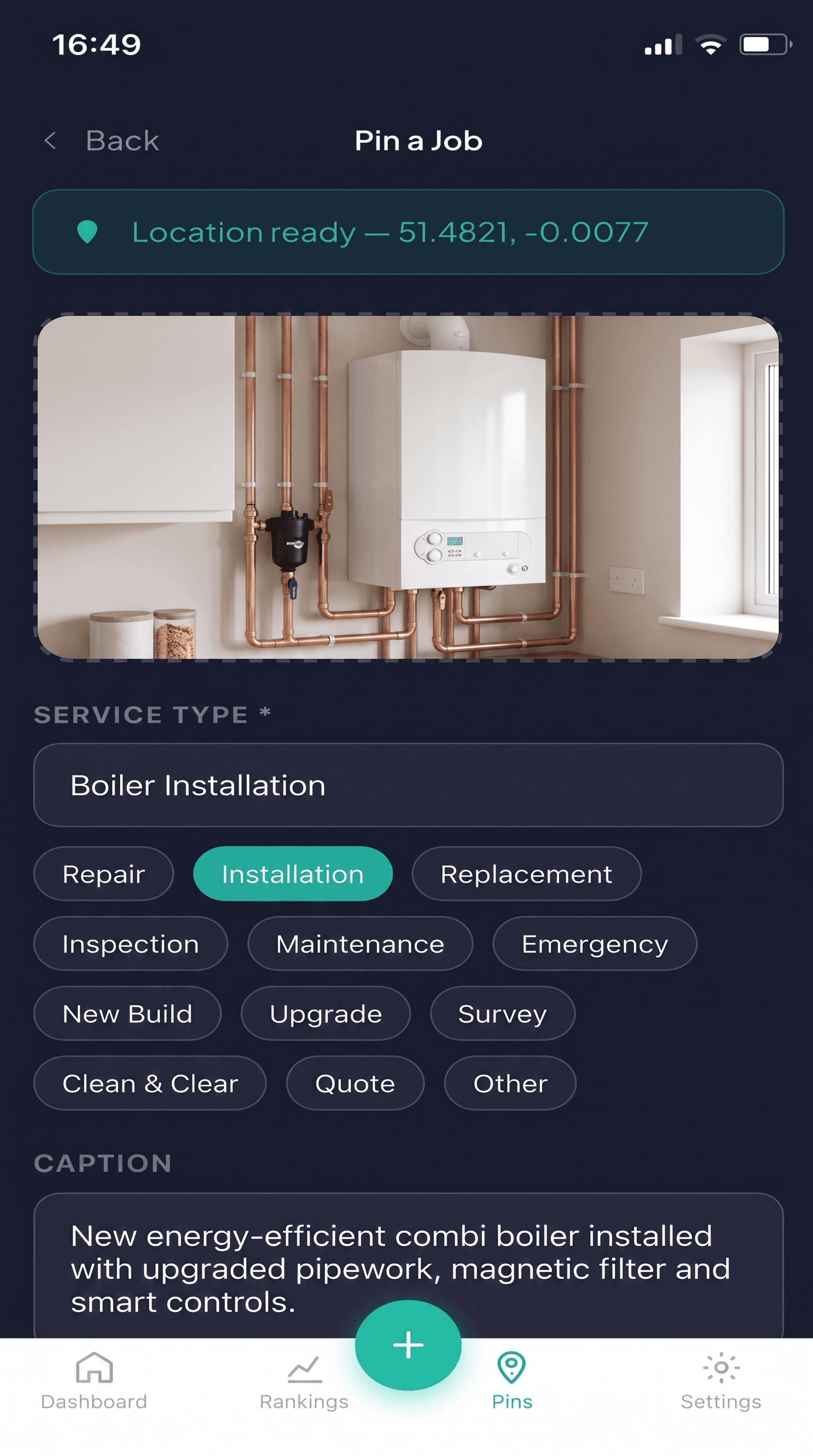
Publish the completed-job record
Fusion44 creates the Geo Pin and adds it to your growing service-area footprint.
Request a customer review
Send a review request in the same moment, or hand over your Review Card for an instant tap-to-review.
Build coverage across your service area
Every job you record adds another Geo Pin. Over time this becomes a genuine record of where you’ve worked.
Track progress through your Visibility Score
As your dashboard tracks activity, reviews and coverage, it helps you see whether you’re building enough evidence across your service area.
Ready to record your first job?
Start your free trial and see your first Geo Pin published in minutes.